Imagine you own the formula1 website, this website has updates on when and where are the next races, some live footage, you can even view historic data like 1950’s Fastest laps. You have been gathering this data from a long time and you decided why not strike it rich, you know there are many vendors in the market who are looking at this sort of data, you also know Big data, data mining are huge now a days. You want to make this data available to the vendors, You commit yourself to write an API.
In the last post i discussed what is an api, how do you hook up with an api endpoint and retrieve data and do other operations, In this post i am going to discuss the following:
- Creating django app
- Creating Models and migrating them
- Serialization
- API end-points
Creating a Django app
I always start a project by first creating the virtual environment, with virtualenv all the dependencies are available in the project environment for the project to work.
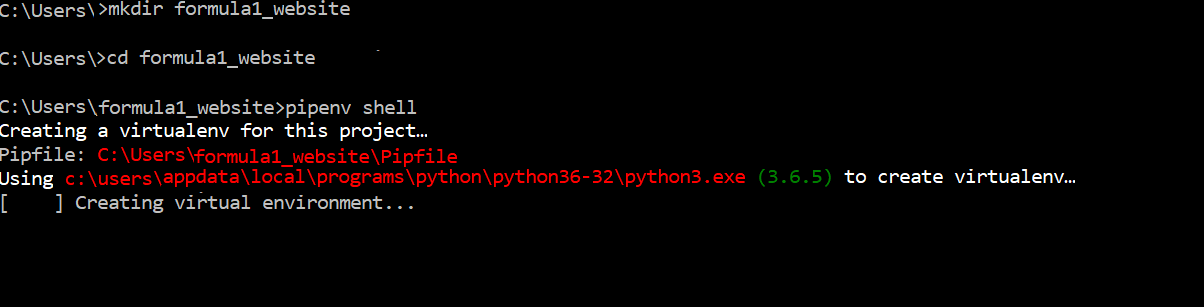
Create a folder and within create a virtual env,To create the virtualenv I use pipenv shell i prefer it over virtualenv as it brings the best of packaging world(npm, composer etc) but yea you can use what fits your usecase.Go ahead and activate your virtual env.
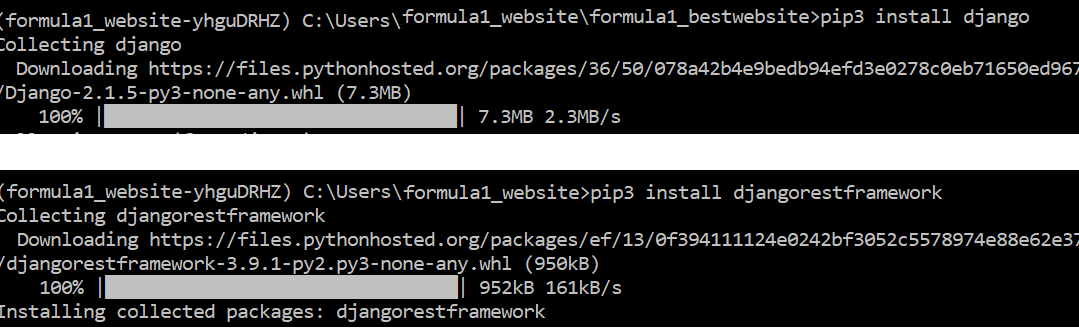
Install django, django rest framework, using pip in the activated environment.
Create your django project by using the command: <django-admin startproject project_name>
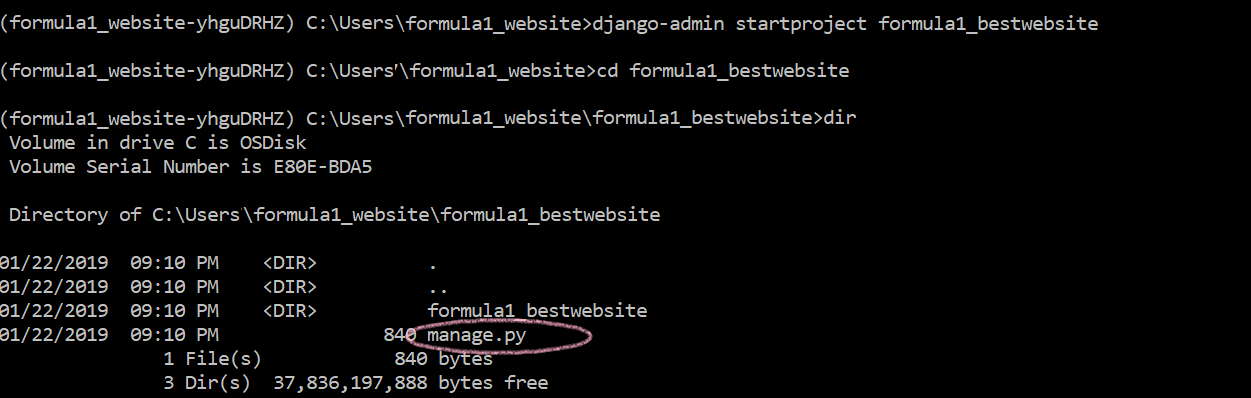
On viewing the contents of the project folder created change directory to the folder. There is a manage.py file, that is like the main file. Now create the app inside the project <python manage.py startapp app_name>

At the end of this your directory structure should look something like this: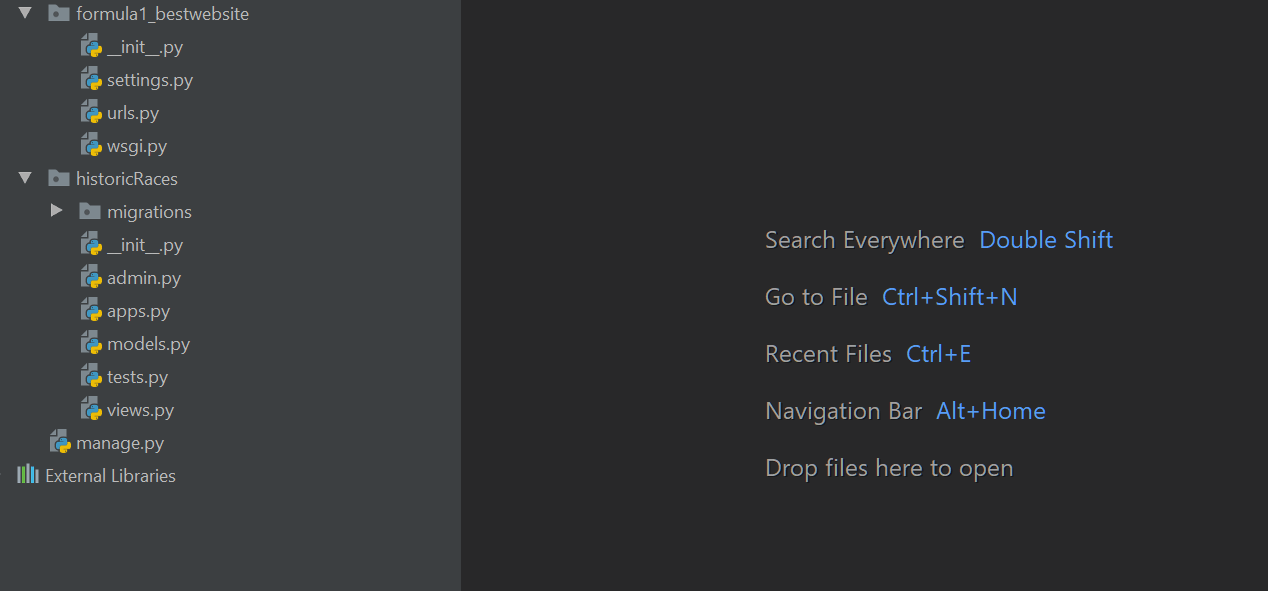
Models
The app is suppose to show all the historic information of fastest laps ever since the beginning of time to present.
models.py
from django.db import models

# Create your models here.


class Fastest_laps(models.Model):

    grand_prix = models.CharField(max_length=15)
    driver = models.CharField(max_length=25)
    car_model = models.CharField(max_length=50)
    time_taken = models.TimeField(blank=True)

    def __str__(self):
           return self.grand_prix
Now you need to make all these migrations to the database. To do so you need to use the following commands:
C:\Users\formula1_website\formula1_bestwebsite>python manage.py makemigrations historicRaces
Migrations for ‘historicRaces’:
historicRaces\migrations\0001_initial.py
– Create model Fastest_laps
C:\Users\formula1_website\formula1_bestwebsite>python manage.py migrate
Operations to perform:
Apply all migrations: admin, auth, contenttypes, historicRaces, sessions
Running migrations:
Applying contenttypes.0001_initial… OK
Applying auth.0001_initial… OK
Applying admin.0001_initial… OK
Applying admin.0002_logentry_remove_auto_add… OK
Applying contenttypes.0002_remove_content_type_name… OK
Applying auth.0002_alter_permission_name_max_length… OK
Applying auth.0003_alter_user_email_max_length… OK
Applying auth.0004_alter_user_username_opts… OK
Applying auth.0005_alter_user_last_login_null… OK
Applying auth.0006_require_contenttypes_0002… OK
Applying auth.0007_alter_validators_add_error_messages… OK
Applying auth.0008_alter_user_username_max_length… OK
Applying historicRaces.0001_initial… OK
Applying sessions.0001_initial… OK
Create a superuser to add data to the tables:
python manage.py createsuperuser
C:\Users\formula1_website\formula1_bestwebsite>python manage.py createsuperuser
Username (leave blank to use ‘dimple’):
Email address: dimple_km@xxxx.com
Password:
Password (again):
Superuser created successfully
Fire up you local server : python manage.py runserver, go to your browser http://127.0.0.1:8000/ and you should see this:

now add admin at the end of the url :http://127.0.0.1:8000/admin
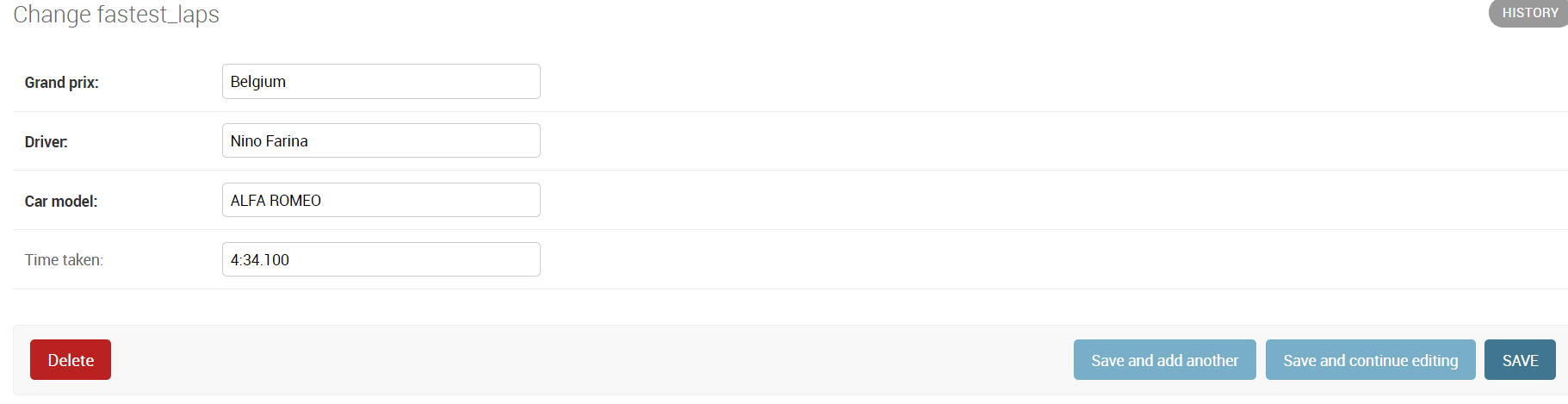
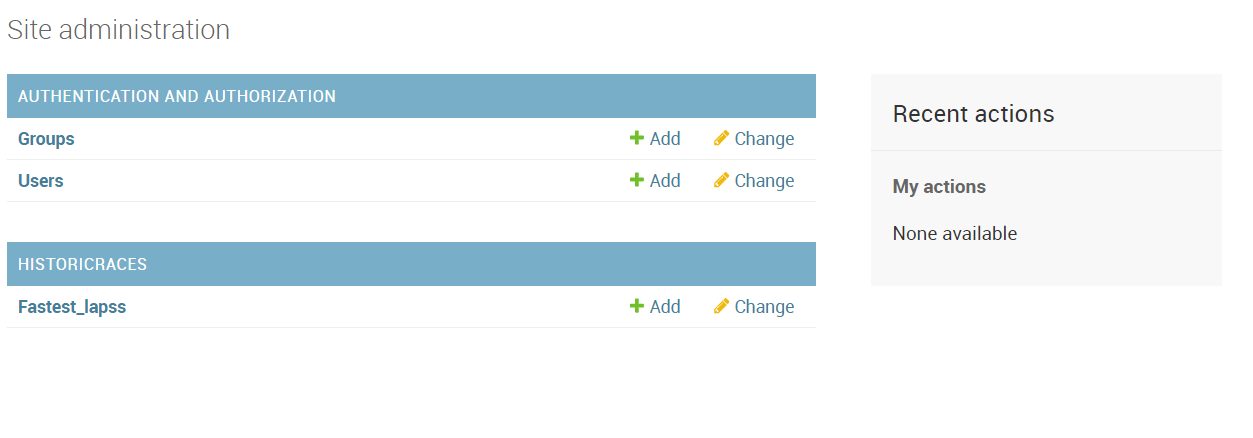
Log into the admin interface and add some data.
 Serialization
I need to create a serializer.py in my project. So basically a serializer class will convert the model data to json. And why are we doing that so that data can be transmitted over the network.
settings.py
INSTALLED_APPS = [
    'django.contrib.admin',
    'django.contrib.auth',
    'django.contrib.contenttypes',
    'django.contrib.sessions',
    'django.contrib.messages',
    'django.contrib.staticfiles',
    'rest_framework',
    'historicRaces',
]
serializer.py
from rest_framework import serializers
from .models import Fastest_laps

class ListSerializer(serializers.ModelSerializer):
    class Meta:
        model = Fastest_laps
The rest_framework has a serializers library that converts model data all the fields to Json for us. Now I will craete another file api.py, This file will help serving the json data.
api.py
#!/usr/bin/env python
from rest_framework.generics import ListAPIView
from .serializer import ListSerializer
from .models import Fastest_laps


class ListApi(ListAPIView):

    queryset = Fastest_laps.objects.all()

    serializer_class = ListSerializer
Now the last this is to create a url so that the data can be rendered. My url file looks like this:
urls.py
#!/usr/bin/env python
from django.conf.urls import url
from .api import ListApi

app_name = 'historicRaces'
urlpatterns = [
    url(r'^fastlaps/$', ListApi.as_view()),
]
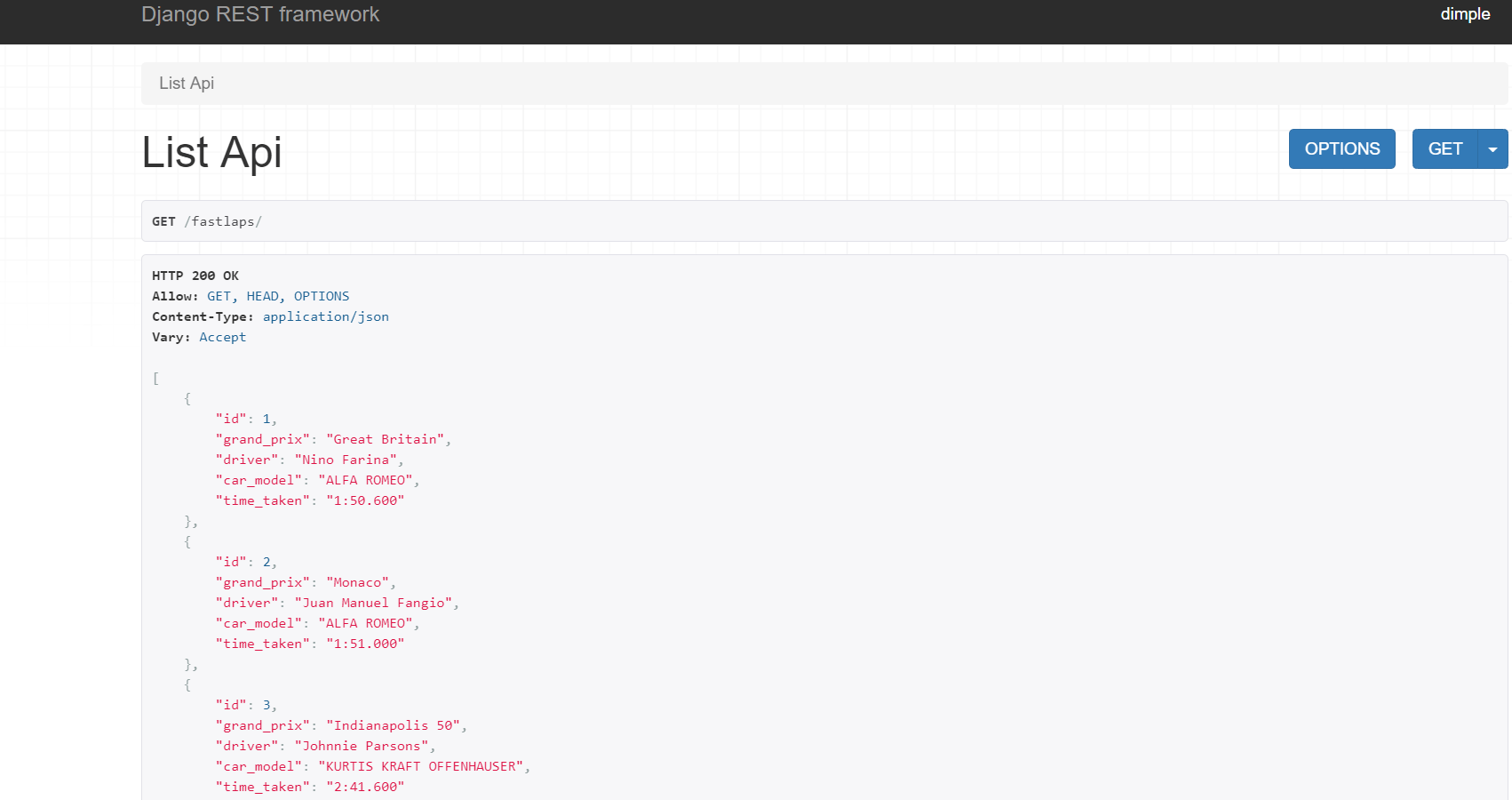
Now when i go to this location: http://127.0.0.1:8000/fastlaps/
The link to the full code is here. Happy Coding Until next time.
 Deep Tech
Leave a reply to Consuming API – DeepTech Cancel reply