The end goal of the F1 website is to have an angular front end served by our api.py file but before going there I am really looking forward to optimizing this code. Lets begin with viewsets.
Viewsets
Viewsets are class based views, the method handlers of viewsets are bound to certain actions at the point of finalizing the view, using the .as_view() method. Now my api.py looks something like this:
from rest_framework.viewsets import ModelViewSet
from .serializer import ListSerializer,DetailSerializer
from .models import Fastest_laps,Driver

class FastLapsSet(ModelViewSet):
    queryset = Fastest_laps.objects.all()
    serializer_class = ListSerializer

class DriverSet(ModelViewSet):
    queryset = Driver.objects.all()
    serializer_class = DetailSerializer
Its very concise and yes we didnot have to use multiple generic classes to implement various HTTP method classes.
Routers
Next lets move to url.py , in our previous code we wrote multiple urls to server our data over those urls, I think i know a better way than writing multiple regex. Routers in rest_framework will help us with the urls. REST framework adds support for automatic URL routing to Django, and provides you with a simple, quick and consistent way of wiring your view logic to a set of URLs.
Now the url.py looks something like this:
from .api import FastLapsSet,DriverSet
from rest_framework.routers import DefaultRouter

router = DefaultRouter()

router.register(r'laps',FastLapsSet)
router.register(r'driver', DriverSet)

urlpatterns = router.urls
There are two arguments one is Prefix i.e.. is laps in our case and another is viewset i.e.. FastlapsSet.
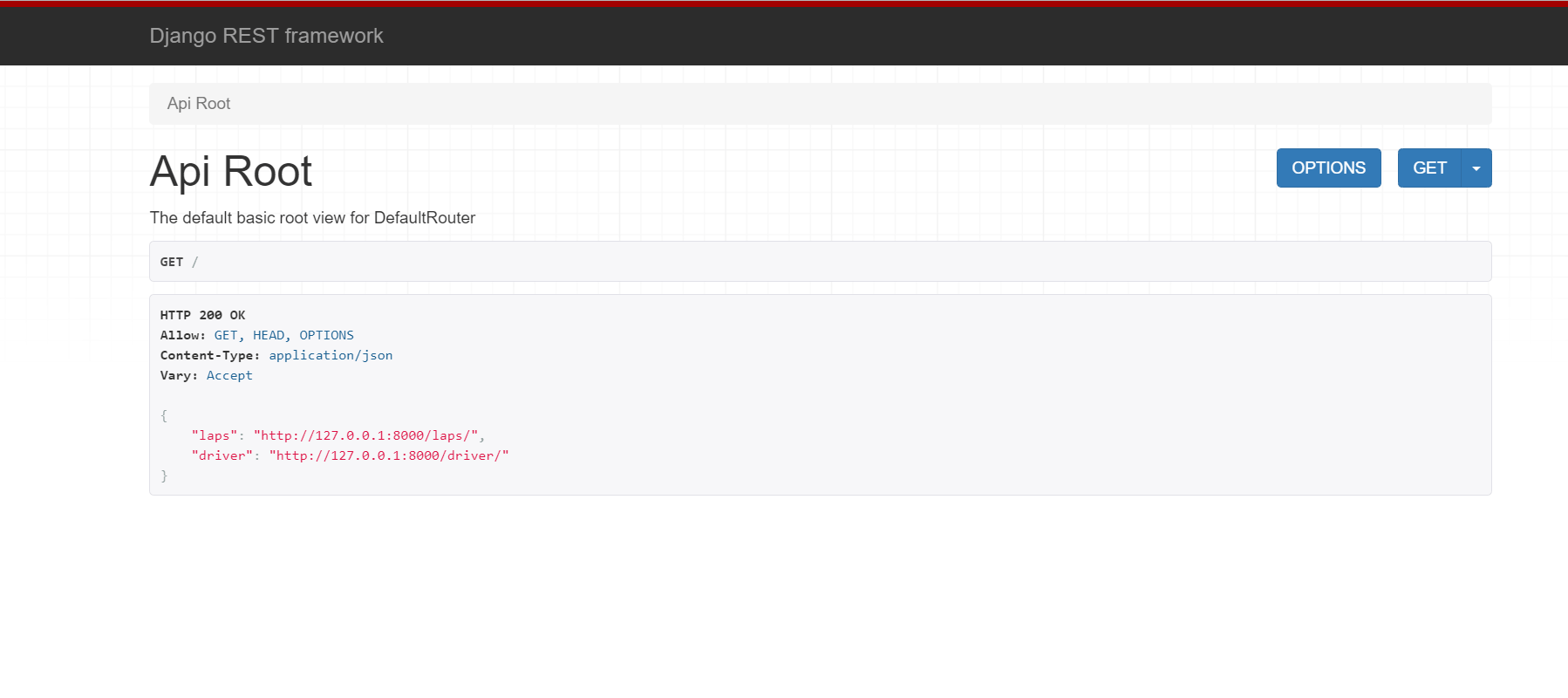
Now when i run my server at 127.0.0.1:8000 this is what i get. My api’s are ready:
First api endpoint for Driver is 127.0.0.1/driver. Once I am here i can see all my data
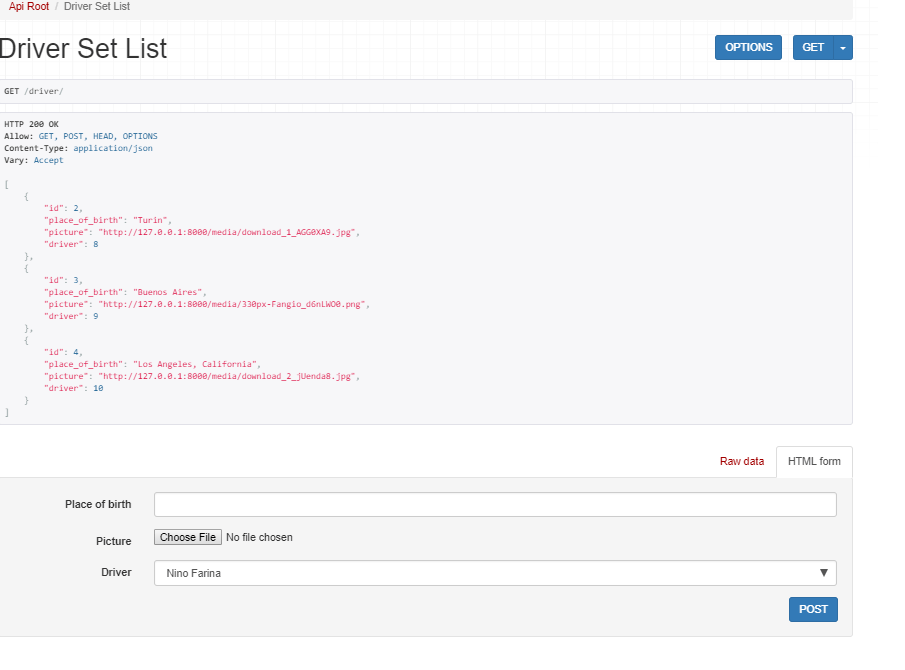
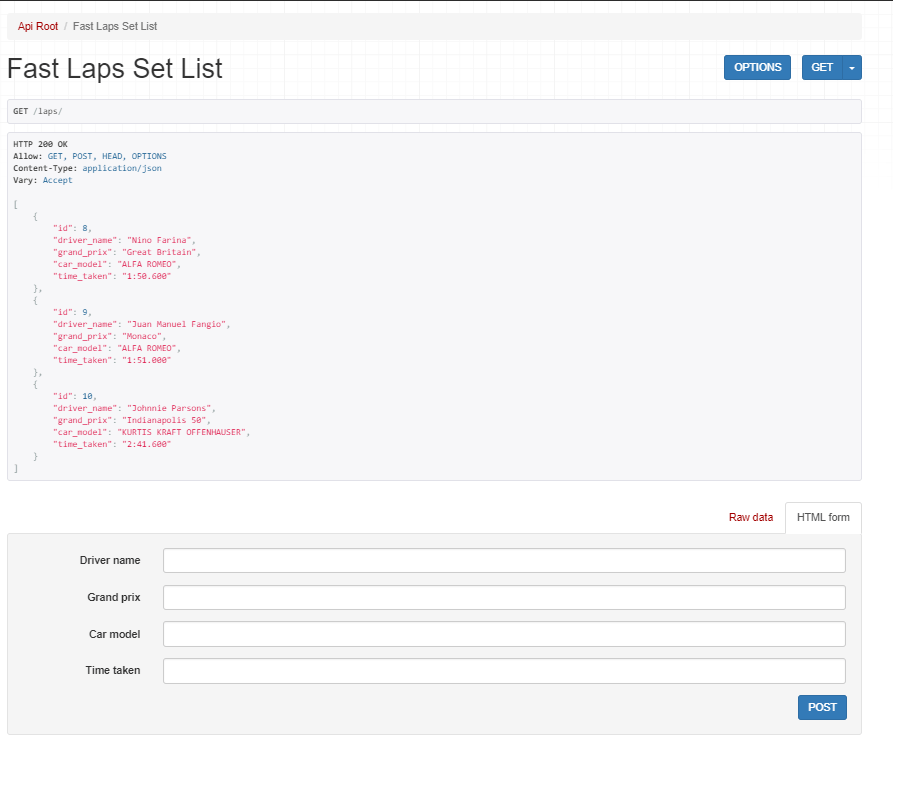
I can now perform any operation on that data, and the code looks pretty good too.
 Deep Tech
Leave a reply to Part V: More on API’s with F1 – DeepTech Cancel reply